Daytab guide / Privacy & bank linking
Track spending without linking a bank.
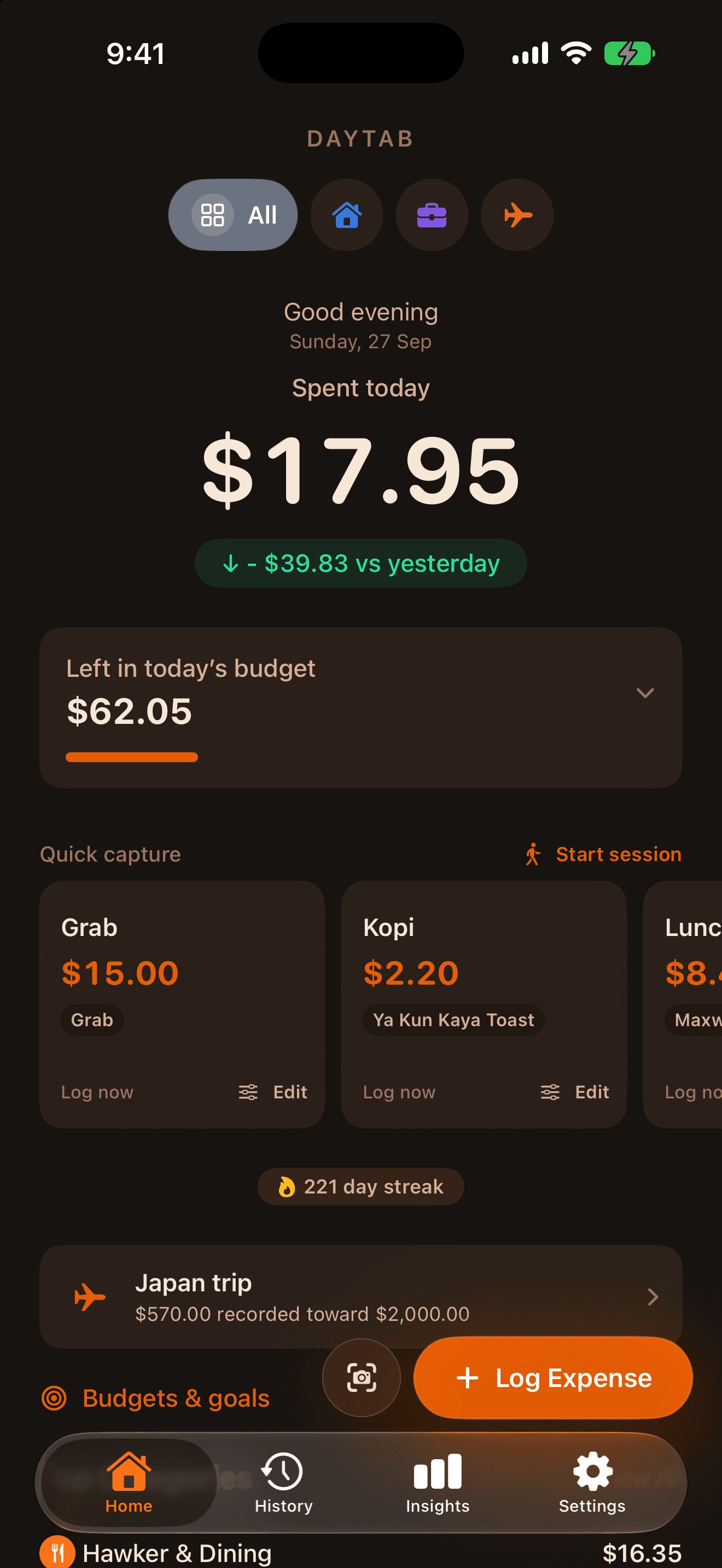
Daytab records the purchases you enter, log with a preset or review from a scan. You don’t need to connect a bank account or create a separate Daytab account.
Local-first expenses · On-device receipt recognition · Apple-managed services where used
Get Daytab for iPhoneFree to download · Optional Daytab Pro
You choose what goes in.
Type a purchase, save a regular coffee as a Quick Preset or scan a receipt or payment screenshot. Check the extracted amount, currency and category before saving. A screenshot is not a connection to your bank.
Daytab uses Apple’s Vision framework for receipt text recognition on your device. The free plan includes five scans per calendar month; Daytab Pro includes unlimited scans.
Local storage, with private iCloud when available.
Expenses are stored on your device. When iCloud is available and configured, Daytab can use your private iCloud database to keep your devices in step. It can fall back to local storage if cloud storage is unavailable.
Private iCloud is an Apple-managed cloud service. It is different from a public feed or a separate Daytab account, and it means the data is not necessarily confined to one phone.
What still uses the network?
Currency conversion requests exchange-rate data from Frankfurter. In-app purchases and subscription management use Apple’s StoreKit and App Store services. iCloud sync uses Apple’s services when available.
On-device receipt recognition does not mean every part of the app works without a network connection. Conversion coverage and cached rates also have limits.
Keep a copy. Understand deletion.
Daytab Pro includes CSV and PDF export, available from Settings → Import & Export. Export a copy before changing phones or removing the app if you need to retain your records.
Deleting the app removes its local installation. It does not necessarily delete records retained in iCloud or device backups. For data-removal questions, consult the privacy policy or contact support; do not treat uninstalling as a guarantee that every copy is erased.
Is this the right kind of tracker for you?
Daytab suits people who want to record everyday spending without providing bank credentials. It includes daily totals, a daily budget, presets and Spending Sessions, with optional Pro features.
If you need automatic import of every bank transaction, Daytab does not provide bank-connected account aggregation. Its shortcuts and supported automations help with logging; they do not replace a bank feed.