For creators & press
Daytab, ready to share.
Official product facts, genuine app screenshots and the launch reel. Everything here reflects Daytab 1.3.
Get the assetsFree to download · Optional Daytab Pro
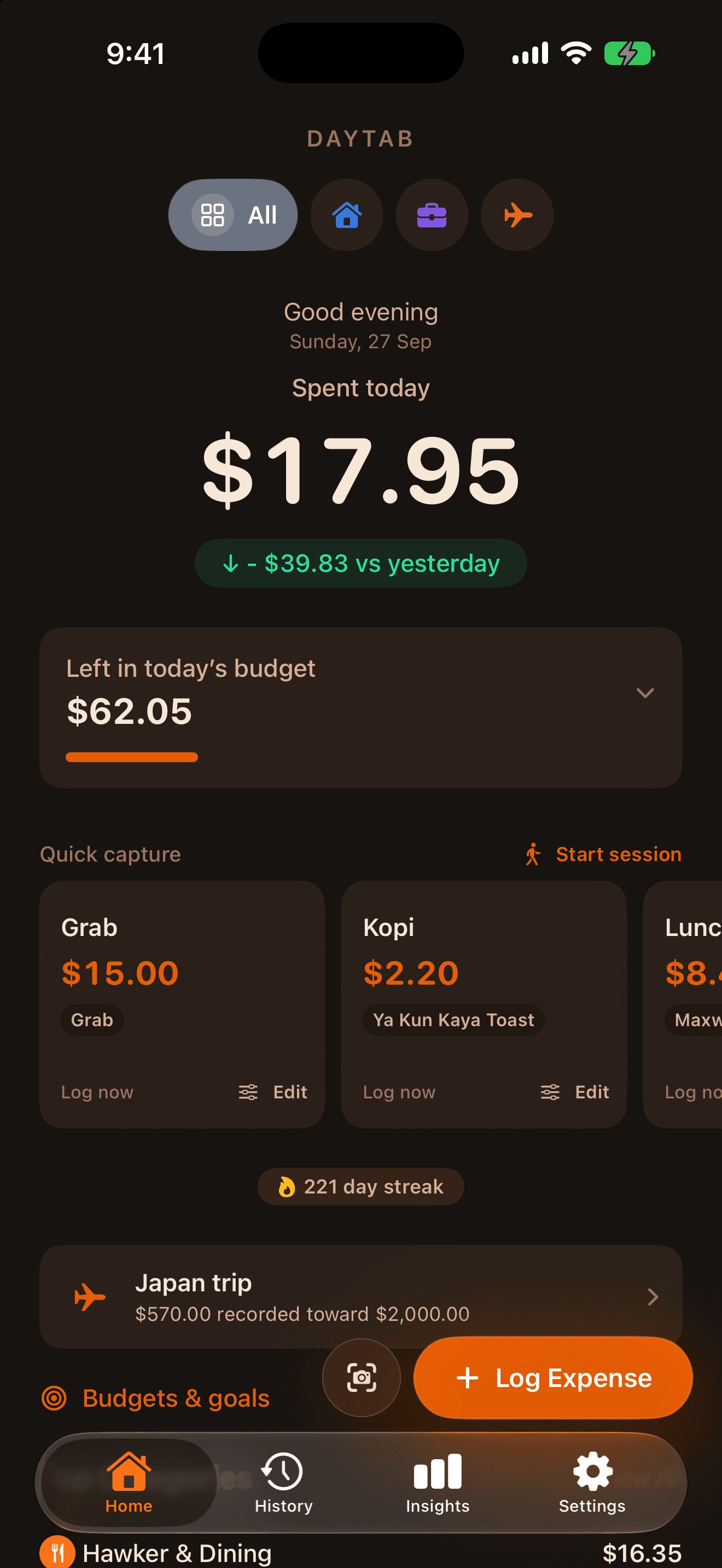
Know what’s left for today.
Daytab is an iPhone expense tracker by Brian Yong. Record a purchase, see today’s logged spending and keep a daily budget in view. Quick Presets help with regular purchases; receipt recognition lets you review extracted details before saving. No bank linking or separate Daytab account is required.
Daytab 1.3 adds Spending Sessions for an outing: recorded expenses and an optional budget stay in view through a Live Activity on the Lock Screen, with Dynamic Island presentation on compatible iPhones.
Use the real app.
Download the original files for your coverage. The dashboard shows example expenses. The vertical launch reel includes sound; the cover is a separate still for social posts.
- Download native dashboard screenshot · PNG
- Download Daytab 1.3 launch reel · MP4
- Download launch cover · PNG
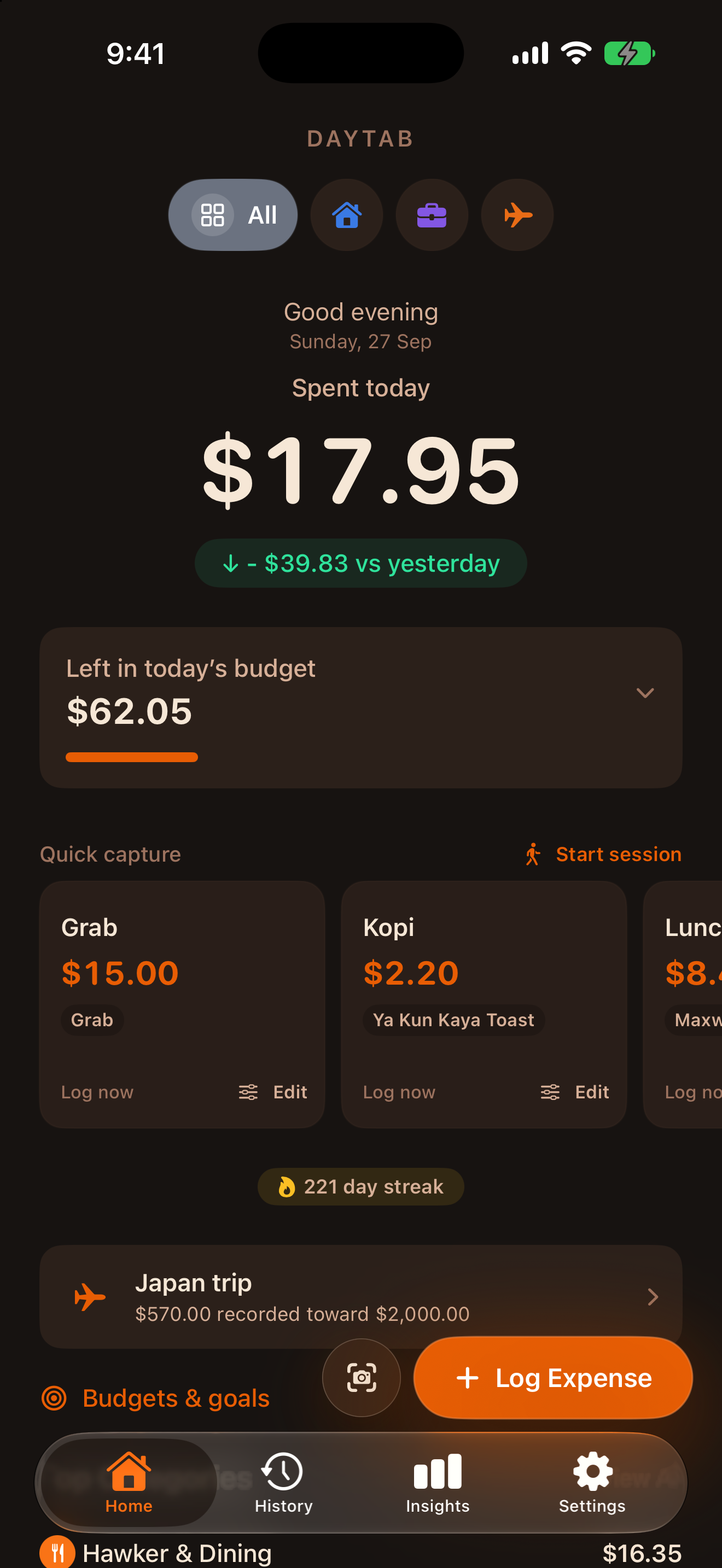
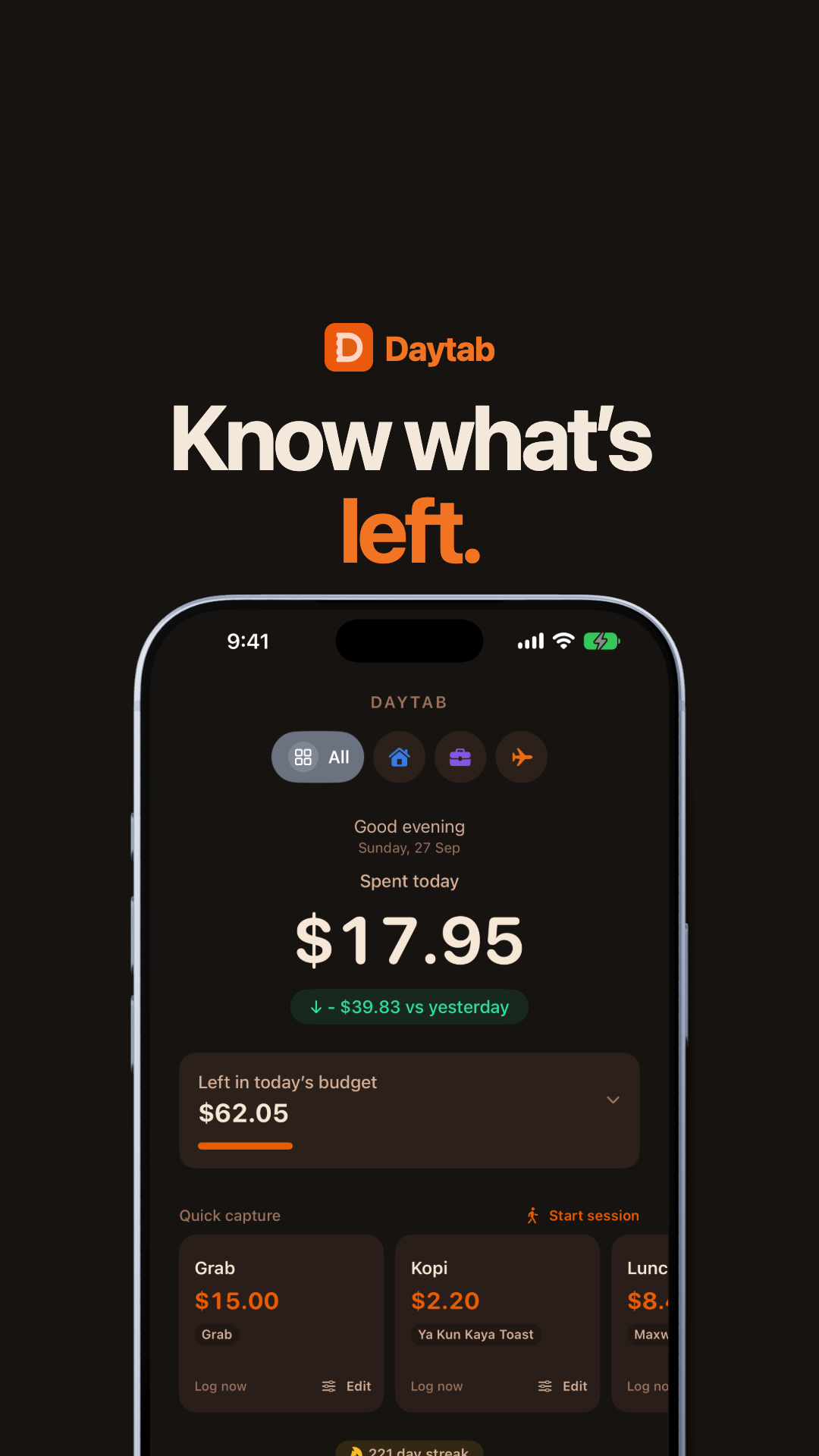
You may use these supplied assets when covering Daytab. Keep the interface and product claims accurate, identify mock expenses as examples, and link readers to phrypy.dev/daytab. Contact Brian if you need another format or a specific feature capture.
Three useful stories to show.
Daily clarity: log a purchase, then show how today’s total and remaining budget change. These totals reflect recorded entries; Daytab does not detect every bank purchase.
One gesture away: connect a shortcut to Back Tap, the Action Button on supported iPhones, or a Home Screen icon. Separate preset logging from a flow that asks for an amount. iOS may require authentication. Read the setup guide ↗
A day out in view: start a Spending Session, log purchases and demonstrate its Lock Screen presentation. Add opens the app’s expense screen; the Live Activity does not contain an expense-entry keyboard. Read the session guide ↗
Product facts.
Platform: iPhone and iPad, iOS 17 or later. Model: free download with optional Daytab Pro subscription. Store prices vary by country; use the reader’s App Store for current pricing.
Included: Daily expense logging, Quick Presets, a daily budget and Spending Sessions. Five scans per calendar month are included.
Daytab Pro: An optional subscription adds unlimited scans, deeper insights, premium themes, recurring-charge tracking, PDF/CSV export and Travel Mode. Check the in-app plan for current terms and local pricing.
Receipt text recognition runs on-device. Private iCloud sync and Apple services may be used when available; supported currency conversion uses an online rate service. Read the data-handling explanation ↗
Questions, demos or coverage.
Daytab is built by Brian Yong, also known as phrypy. For media questions, feature walkthroughs or factual checks, email phrypy@gmail.com.
The canonical product page is https://phrypy.dev/daytab. Please use that address for a website link in coverage so readers reach the current guides and download destination.